How much fuel do I have?
Check the levels and status of each tank.
 Request a demonstration
 Zencillo Tanques
Know your tank levels, compare fuel purchased, delivered and sold, and check inventory changes from the cloud and your mobile app.
With Zencillo Viviseven, analyze tank behavior and compare purchase, tank delivery and sales records to understand inventory changes.
+2,000 Service stations in Latin America use Zencillo technology
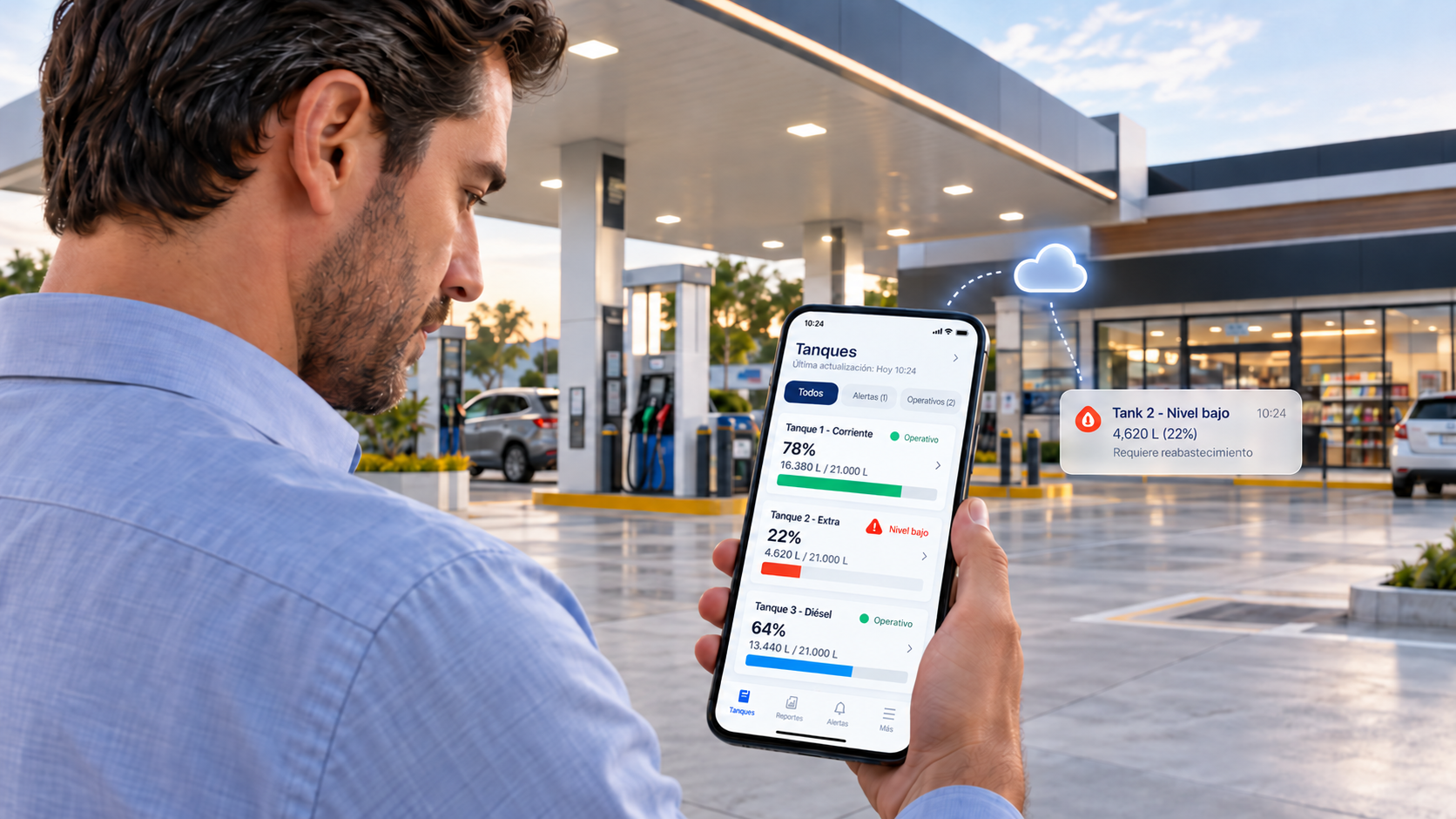
Zencillo Tanques can be purchased and implemented independently, without purchasing Zencillo Gas Commander.
Measurement probes, monitoring equipment and a cloud platform let you view fuel levels, inventory, reports and alerts from anywhere.
If your operation requires it, you can also integrate with Zencillo Gas Commander or other compatible automation systems through an API.
Check the levels and status of each tank.
Compare purchases, tank deliveries, sales and measured inventory.
Receive alerts and inventory emails at the times you specify.
Zencillo Tanques connects fuel tank probes to the Zencillo Monitor Tanques device. This equipment allows you to configure and monitor the probes and send information to cloud servers.
Check levels and inventory changes, view a graphical dashboard for each tank, and manage fuels and users. A solution for monitoring your service station's fuel inventory.
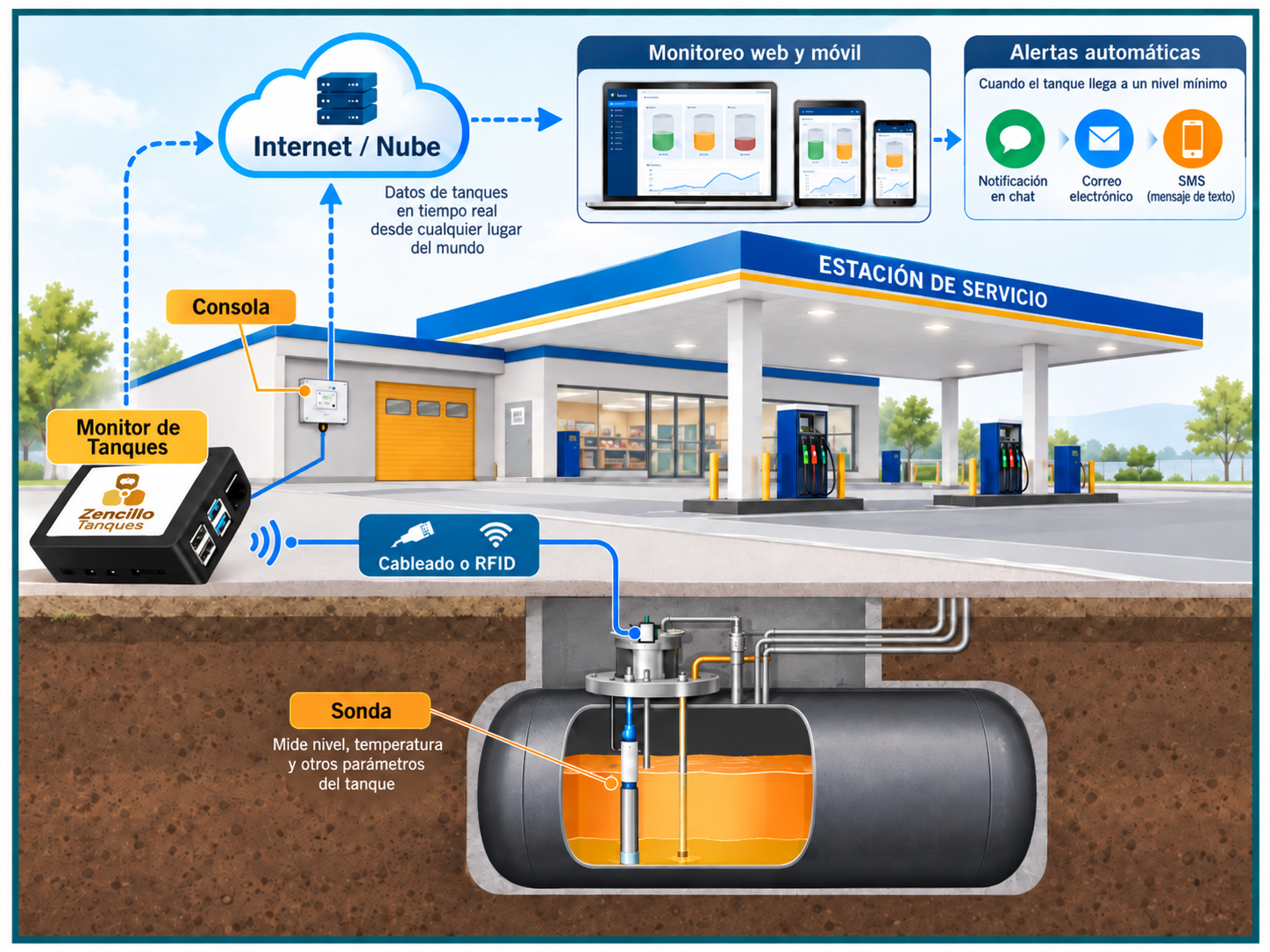
The configuration described for Zencillo Tanques includes an alternative way to transmit information to Monitor Tanques when existing conduits and cabling are unavailable. The original diagram labels this communication as RFID and the connection to the servers as WiFi.
The described solution can avoid the purchase of a tank console, but it does include probes and the Monitor Tanques device. Review the equipment, connectivity, communication range and installation conditions for your operation during the demonstration.
The source describes gasoline or LPG tanks and shows diesel in its screens. Probe selection and compatibility with your station's fuel and tanks must be reviewed for your configuration.
Information is stored in the cloud to enable remote access. With the iOS and Android app, you can check tank status and monitor your fuel information.
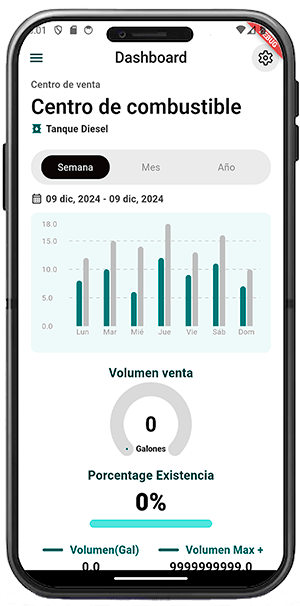
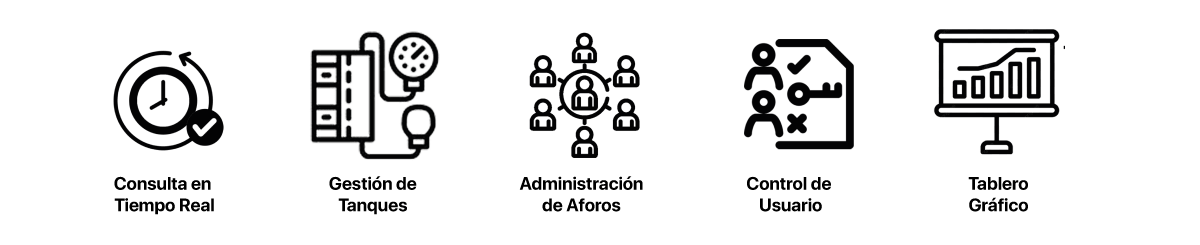
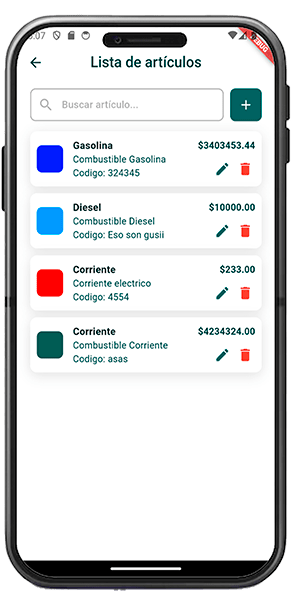
Fuel catalog and user administration accompanies level queries and tank management. The original image shows the system's item list.


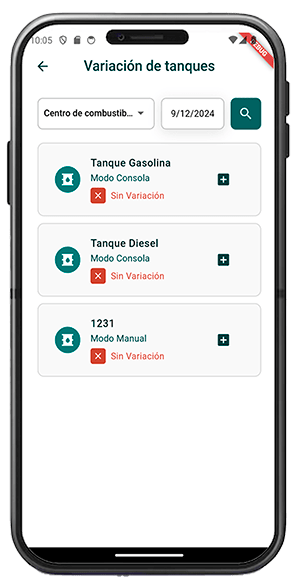
Compare purchases, fuel received and sales with inventory measured by the probes. Enter purchases and sales through the app or web application; a tank delivery is fuel the system detects entering the tank. These are distinct data sources that work together to explain the balance.
 Integrated artificial intelligence · Zencillo Viviseven
Zencillo Tanques brings together probe measurements and your operational business records. With Zencillo Viviseven, analyze tank behavior from the app and understand differences between fuel purchased, received and recorded outflows.
Enter purchases and sales through the mobile app or web application. The system compares these records with probe-detected tank deliveries and inventory changes to help identify variances and guide your review.
Ask about your data in natural language for help interpreting information, comparing periods and deciding what needs review.
You can also check inventory and level history on WhatsApp, with records by minute or at five- or ten-minute intervals, depending on available data.
Request a demonstrationAnalysis uses available measurements and records. Purchase and sales information must be entered or integrated before it can be compared.
See how much fuel you have, understand how it arrived and left, and identify the differences you need to review.
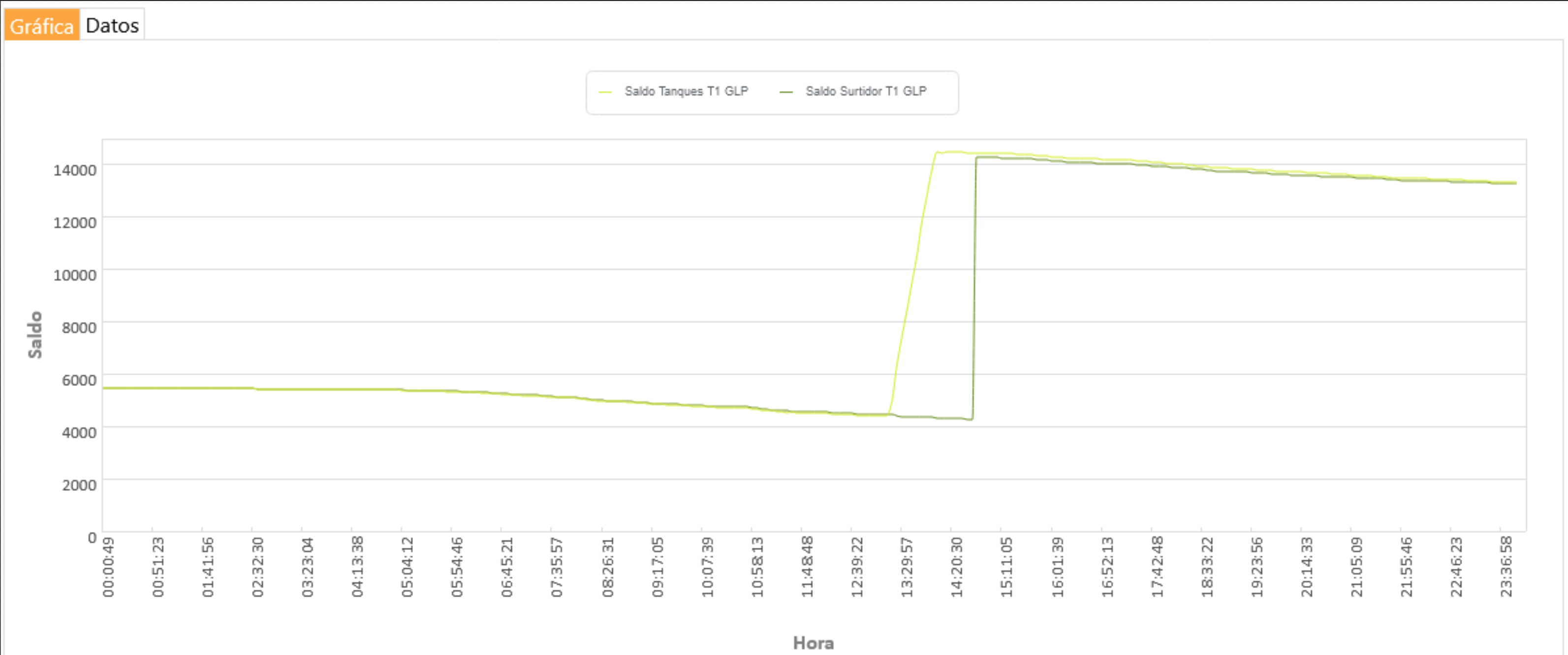
The monitoring screen allows you to track tank fuel levels and delivered volume minute by minute. Observe inventory changes and follow up on situations that require review in your operation.
Information availability depends on the installation's measurements and connectivity. Inventory changes alone are not a diagnosis of a leak or theft.
View changes in temperature, water and fuel, according to the variables measured by the probes. SyncGraph charts help you understand tank inflows and outflows and review their behavior minute by minute.
With data from a connected automation system, compare fuel dispensed by each dispenser with tank outflows. Review details by minute or dispensing event, depending on the information provided by the integration, to identify differences and guide your analysis.
Comparison with dispensers requires integration. For this comparison chart, connect an automation system that provides dispensing records. Zencillo Tanques provides an API to integrate with third-party automation systems or Zencillo Gas Commander, according to your operation. Explore Gas Commander →
Configure email and in-app notifications with multiple recipients and notification schedules. Separate the events you need to know about from inventory reports you want to receive at specific times of day.
Overfill alerts report the condition; they do not replace your station's physical safety controls.
Zencillo Tanques has an API to enable data exchange with service station automation systems. The scope of each connection is reviewed for the system and the operation's configuration.
Gas Commander covers station automation and administration; Tanques focuses on fuel monitoring and inventory. Discover how to connect these capabilities for your needs, without assuming a mandatory package.
Explore Gas Commander →
Ideal for service stations, station networks and businesses that need to monitor tanks without changing their current automation system.
View probe measurements, fuel levels and inventory, generate reports and receive alerts according to configured features.
Purchasing Zencillo Gas Commander is not required.
Zencillo Tanques can also integrate with Zencillo Gas Commander or other compatible automation systems.
Integration relates tank measurements to available dispensing data, supporting comparative analysis, reconciliation and greater operational control.
Optional API integration, subject to technical compatibility.
Dispensing comparisons require data from an integration or another compatible recording method. Independent monitoring does not automatically obtain dispenser information.
During the demonstration, we review the equipment, connectivity and configuration applicable to your station. You do not need to purchase every Zencillo module to learn about Tanques.
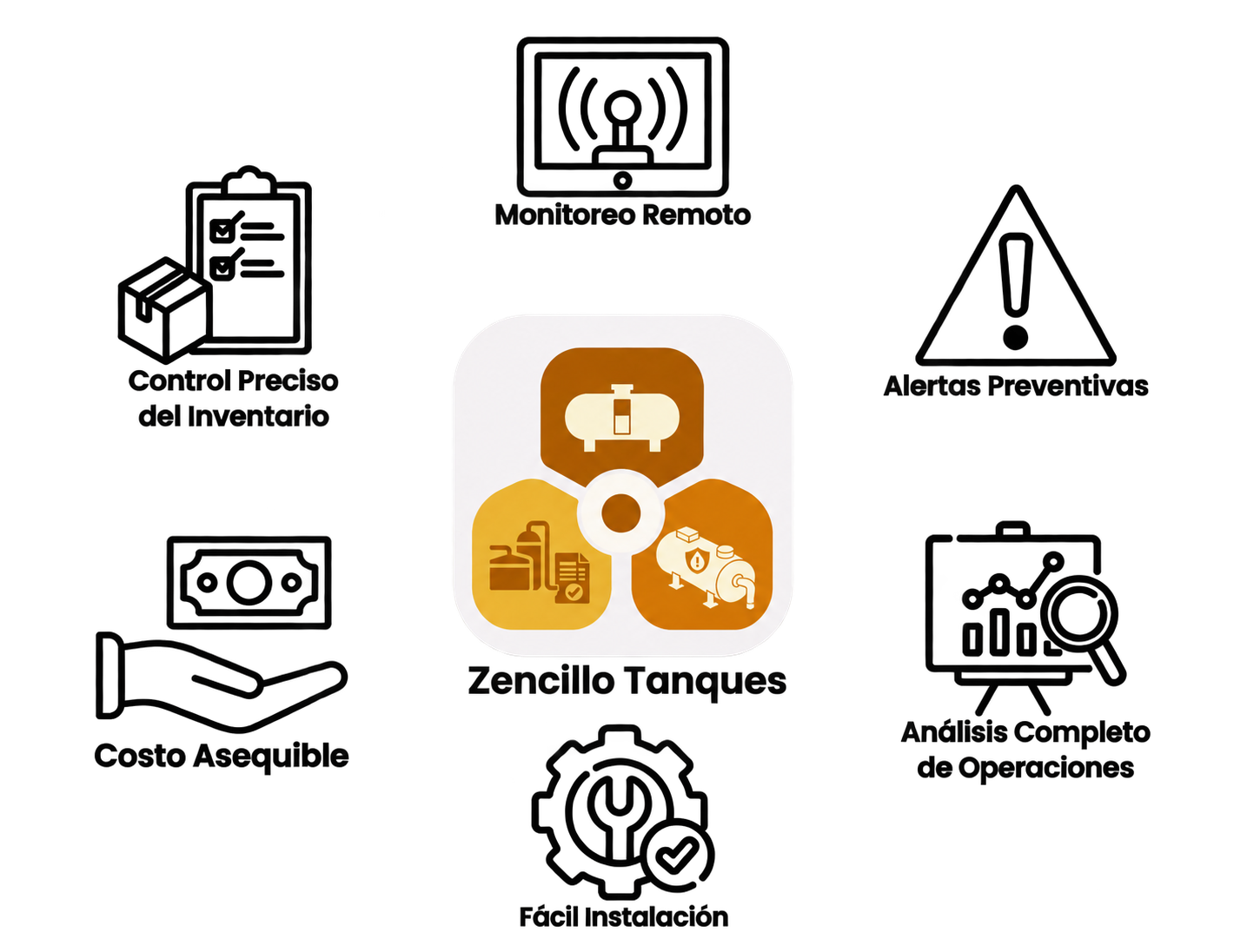
Intelligent fuel monitoring for different types of operation.
Zencillo Tanques monitors stored fuel levels and inventory using measurement probes, monitoring equipment and a remote information platform.
Its modular architecture can adapt to operations ranging from an individual service station to business premises and storage facilities, according to installation conditions and technical compatibility.
Monitor fuel levels in your tanks, check available inventory and receive alerts to support supply planning and daily station management.
Ongoing visibility of stored fuel.
Centralize tank information across stations, monitor fuel levels by location and support network operations through a centralized platform.
Consolidated information from multiple stations.
Monitor fuel levels and inventory in storage tanks, view measurements and trends, and use the information to support inventory management and operational planning.
Remote monitoring of storage tanks.
For businesses storing fuel for internal operations, such as fleets, machinery or equipment, Zencillo Tanques provides visibility of available levels to improve supply planning.
Greater visibility and control of fuel used in operations.
Note: Implementation at each site is subject to probe compatibility, tank characteristics, connectivity conditions and applicable technical and safety requirements.
At storage facilities, Zencillo Tanques does not replace industrial safety systems, certified instrumentation, process control or plant automation. Implementation requires a technical and compatibility assessment.
No. Zencillo Tanques is an independent solution that can be purchased and implemented to monitor fuel stored in your tanks, view levels, generate reports and receive alerts.
You do not need to purchase Zencillo Gas Commander or replace your current automation system.
If your station uses Gas Commander or another compatible system, you can add an optional integration to complement monitoring with dispensing information and inventory analysis.
Explore monitoring, reporting and queries with Viviseven in a Zencillo Tanques demonstration.